

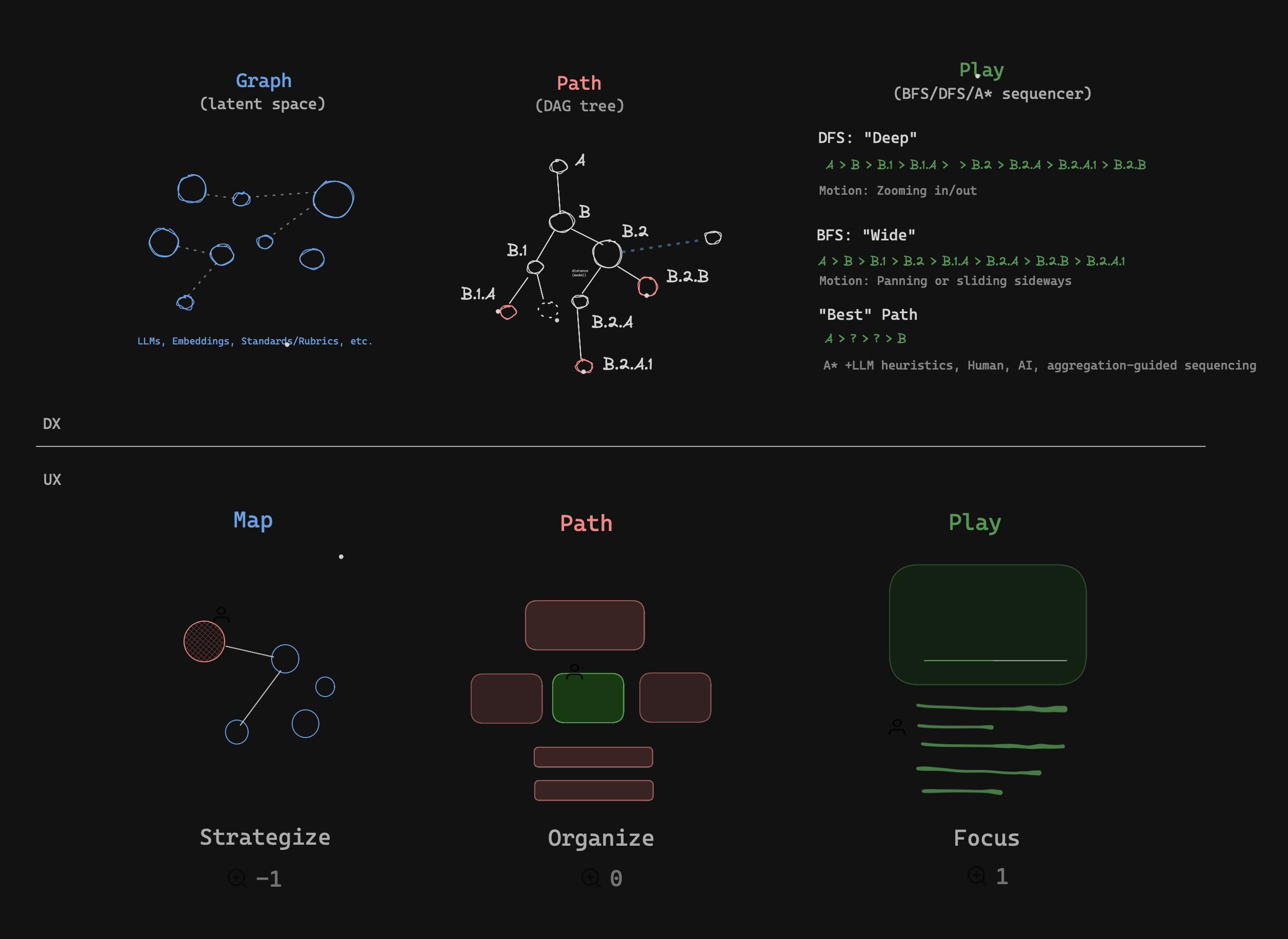
Presentation mode should give the active Block a deliberate stage rather than showing a tall document with snap points.
- Establish the question
- Reveal one supporting point
- Keep earlier context visible
- Move to the next slide without page-scroll noise
Spatial Beats
Explain
The guide moves into this column and follows its content frame.
Apply
The next Beat moves horizontally without moving the slide.
| Setting | Focus | Slides |
|---|---|---|
| Navigation | Beat cadence | Beat cadence inside a frame |
| Scrolling | Native and adoptive | Stable slide placement |
| Guide | Reading lane | Spatial content frame |
| Chrome | Auto-hide | Auto-hide |
The fence arrives as context, then each authored line group becomes a Beat.
type PlayState = {
  mode: "focus" | "presentation"
  intensity: "low" | "medium" | "high"
  guide: boolean
  controls: "auto" | "always"
}
The image scales inside the stage and the guide falls back to its rendered frame.
Strong hierarchy and useful defaults should make ordinary Markdown feel deliberate before an author reaches for custom CSS.
Paper, Studio, Terminal, Glass, and Bauhaus all use this same presentation.
This slide carries enough material to exceed the comfortable one-slide budget at narrow widths. Desktop presentation should keep the content readable inside the viewport when it reasonably can. Mobile presentation should prefer a single-column, vertically scrollable slide over shrinking type until it is unreadable. The collapsed control remains reachable above the safe area while the content keeps normal selection and link behavior.
- The heading stays visible.
- Body copy keeps a readable measure.
- The slide may scroll internally on a phone.
- Beat navigation reveals the active item without jank.
The expanded palette contains mode, intensity, Beat Guide visibility, controls visibility, and Stop Play. Its collapsed form should disappear from attention, not from reach.