[@previews]: ./previews/preview.components.md
[@examples]: ./example.components.md
# Examples
A small collection of places to read, explore, and learn. Follow your curiosity,
then open the Markdown to see how each one is made.
---
## [A personal reading shelf](./bookcase/index.demo.md)
Browse a shelf of books and open the notes inside. Every book begins as a simple Markdown file.
---
## [A night at the opera](./chess/opera-game.demo.md)
Follow a brilliant chess game, one move at a time. Discover how a few well-placed pieces work together.
---
## [Can you trust this color?](./color-context.demo.md)
Two identical colors can look different. Make a prediction, remove their surroundings, and try the effect yourself.
---
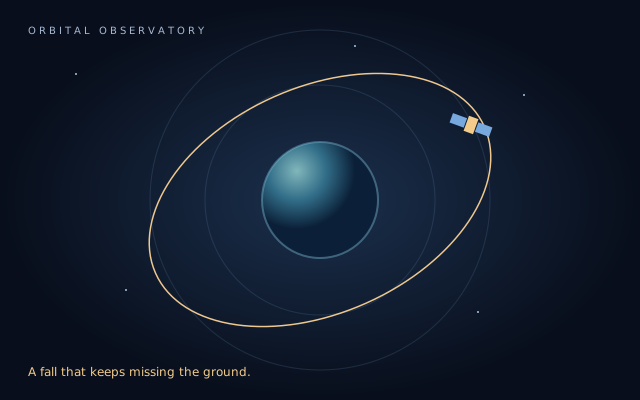 ## [Falling around the world](./orbit/orbit.demo.md)
Launch a satellite, follow the forces, and discover why an orbit is a fall that keeps missing the ground.
---
A story in three parts
One file.
## [Falling around the world](./orbit/orbit.demo.md)
Launch a satellite, follow the forces, and discover why an orbit is a fall that keeps missing the ground.
---
A story in three parts
One file.
A world of possibility.
Lesson → example → activity.
## [One file. A world of possibility.](./scroll-story/story.demo.md)
Follow an idea as it becomes a path. Prose enters as you scroll, and a small diagram brings the connections to life.
---
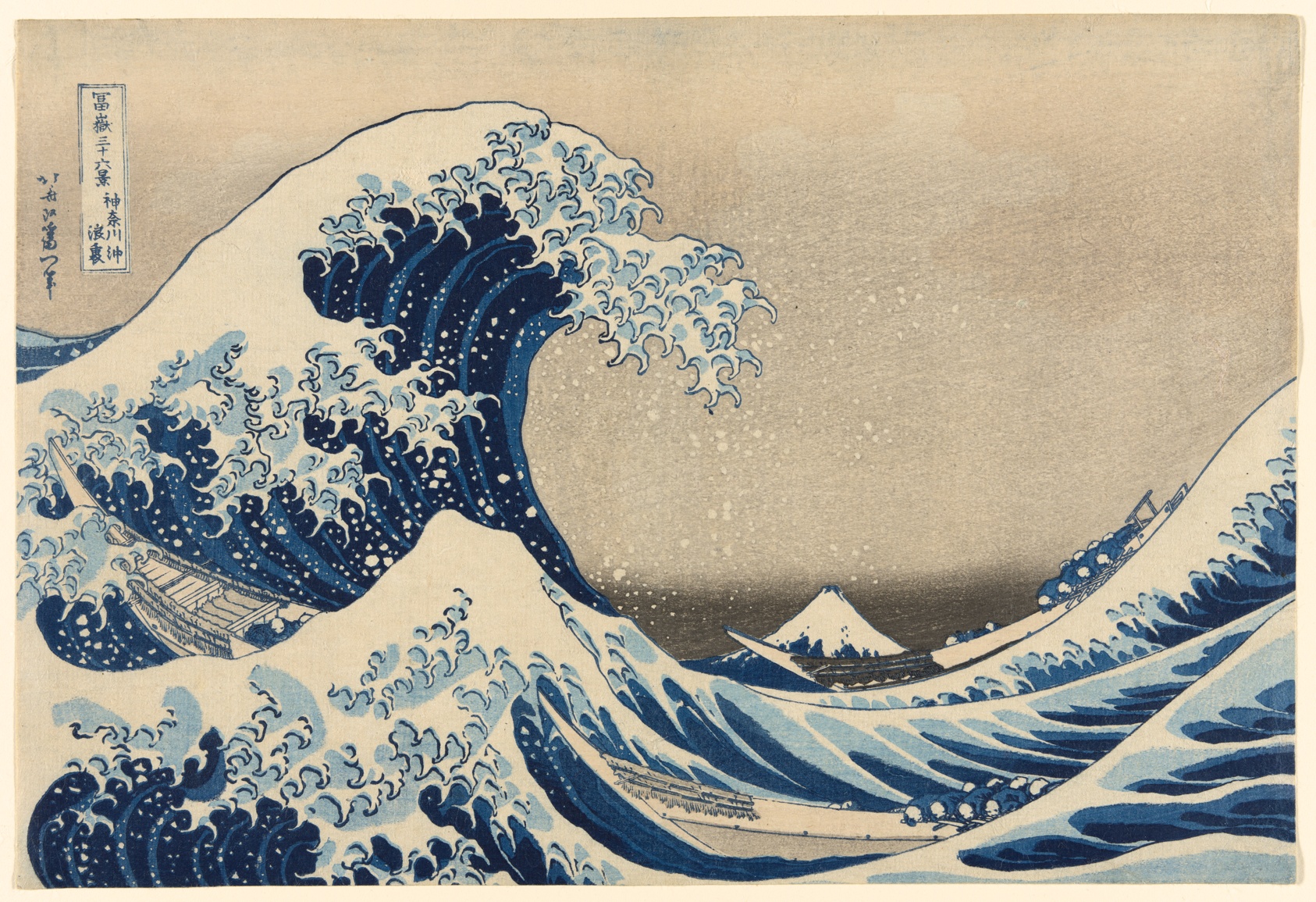 ## [One mountain, three points of view](./images.demo.md)
Compare three Hokusai prints, look closer at the details, and discover how a crop changes the story.
---
## At the worktable
Take a closer look at the elements behind a learning page. These short
references explore the building blocks of the examples above.
- [Callouts](./callouts.demo.md) — make room for a note, a question, or a useful aside.
- [Code](./code-highlight.demo.md) — share a readable example that others can copy and try.
- [Form controls](./form-controls.demo.md) — try native fields, choices, validation, and field states.
- [Math](./math.demo.md) — connect logic and mathematical notation with code.
- [Tables](./tables.demo.md) — bring related ideas together for comparison.
- [Themes](./theme-gallery.demo.md) — explore different ways to present the same material.
## [One mountain, three points of view](./images.demo.md)
Compare three Hokusai prints, look closer at the details, and discover how a crop changes the story.
---
## At the worktable
Take a closer look at the elements behind a learning page. These short
references explore the building blocks of the examples above.
- [Callouts](./callouts.demo.md) — make room for a note, a question, or a useful aside.
- [Code](./code-highlight.demo.md) — share a readable example that others can copy and try.
- [Form controls](./form-controls.demo.md) — try native fields, choices, validation, and field states.
- [Math](./math.demo.md) — connect logic and mathematical notation with code.
- [Tables](./tables.demo.md) — bring related ideas together for comparison.
- [Themes](./theme-gallery.demo.md) — explore different ways to present the same material.